
Video workflows for educators
Build clear, complete videos around a learning goal. Organize explanations, demonstrations and summaries so the edit supports understanding.
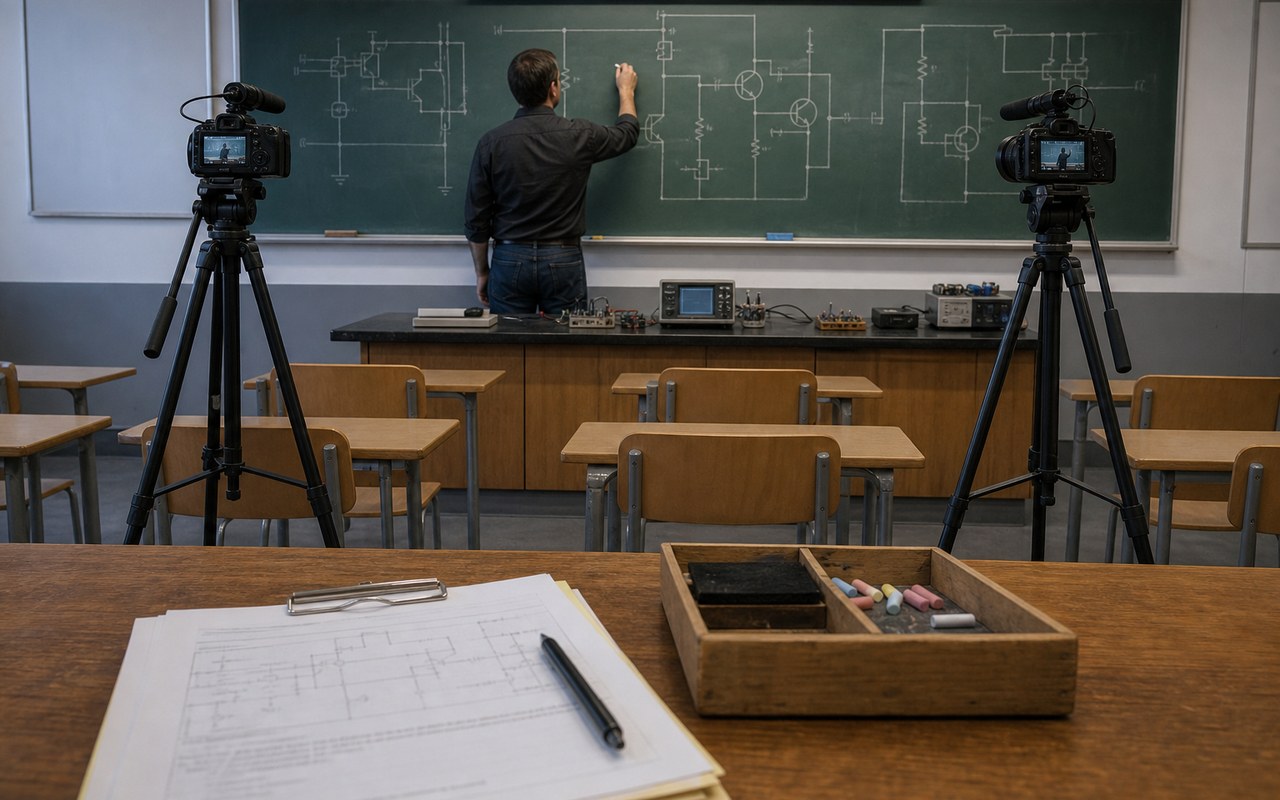
Built around your everyday work
Plan around the concept and prerequisites. Preserve definitions, reasoning and essential steps rather than cutting necessary explanations to meet a duration.
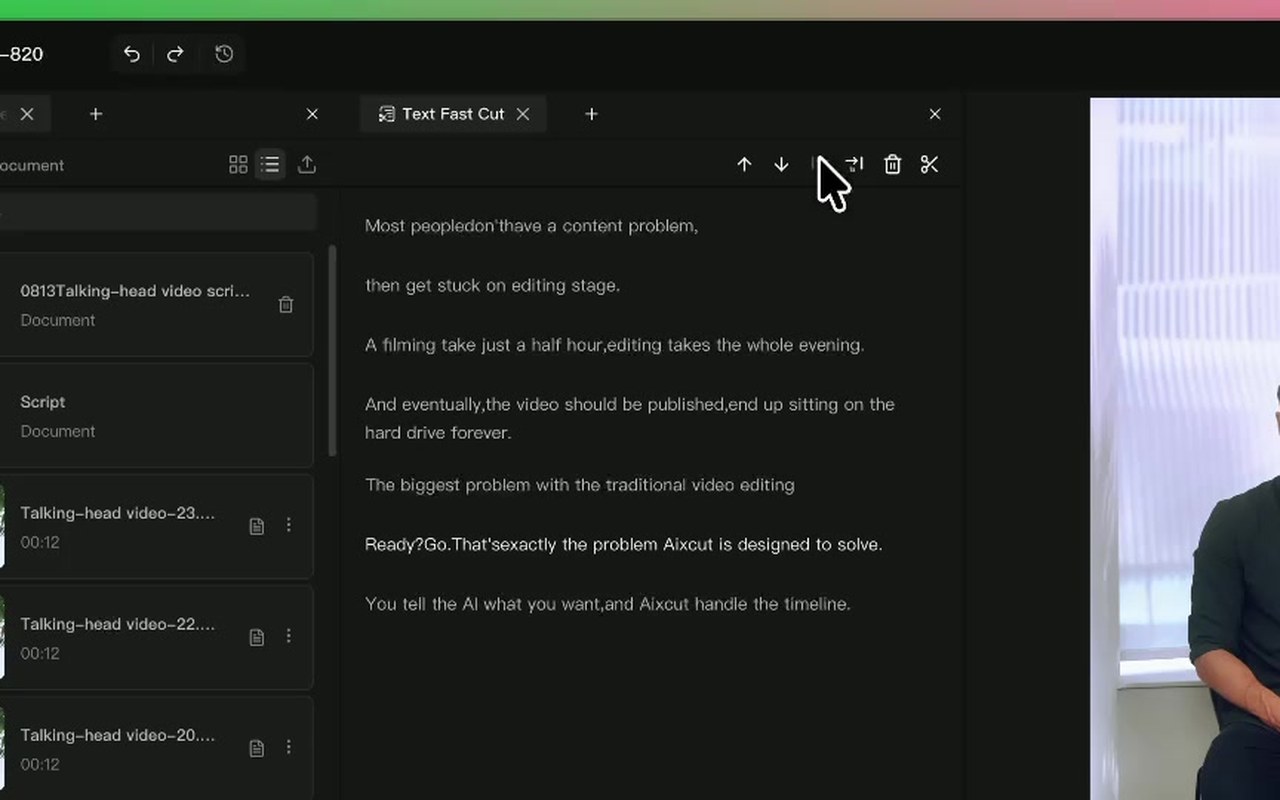
Use transcripts to find mistakes and repetition, then review the footage. Keep spoken instructions aligned with demonstrated actions.
Check terminology, numbers and units in captions. Supporting visuals and narration should explain the lesson, not replace accurate demonstrations.
A clear production workflow
- 01
Define one learning goal and essential steps.
- 02
Tighten explanations, remove repetition and add useful supporting visuals.
- 03
Watch as a learner and verify terminology and procedural order.
Describe what you need
Use this as a starting point. Adapt the assets, audience and goal, then review the result.
Edit this lesson around one complete concept. Preserve definitions, prerequisites and demonstration order, remove repetition and flag technical terms for caption review.
Review before delivery
- Can someone unfamiliar with the original lesson follow it?
- Are steps and terms accurate?
- Do the visuals follow the explanation?
Questions, answered
Can a full course become short lessons?
Split around independently understandable concepts and include prerequisites. Avoid interrupting essential reasoning.
How can a course maintain a consistent style?
Record chapter structure, caption rules and narration requirements as a reusable skill, then adapt it to each lesson.
Explore related workflows


Bring your footage. Start with a clear goal.
Apply the workflow to your own content, review each step and refine the finished video.