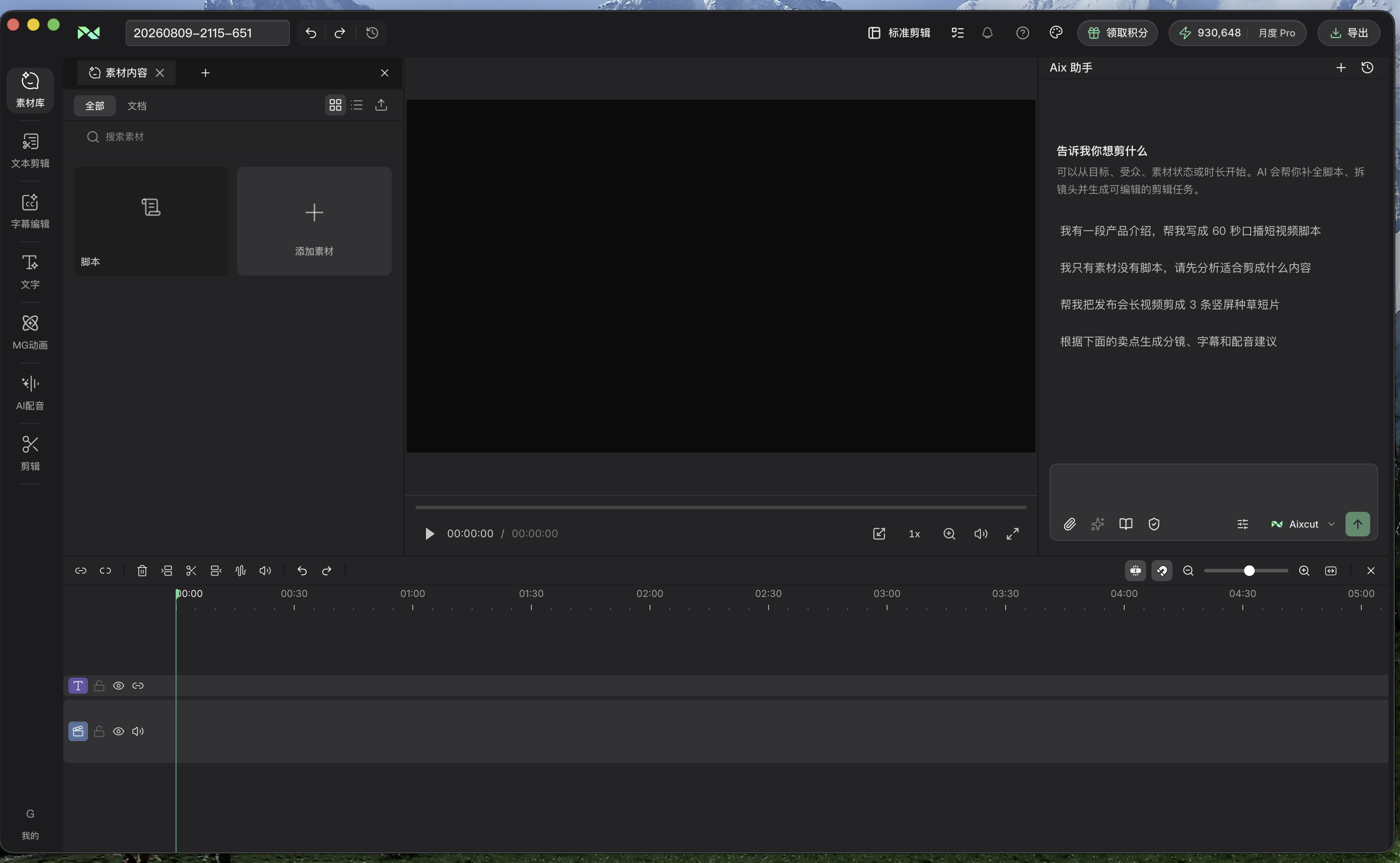
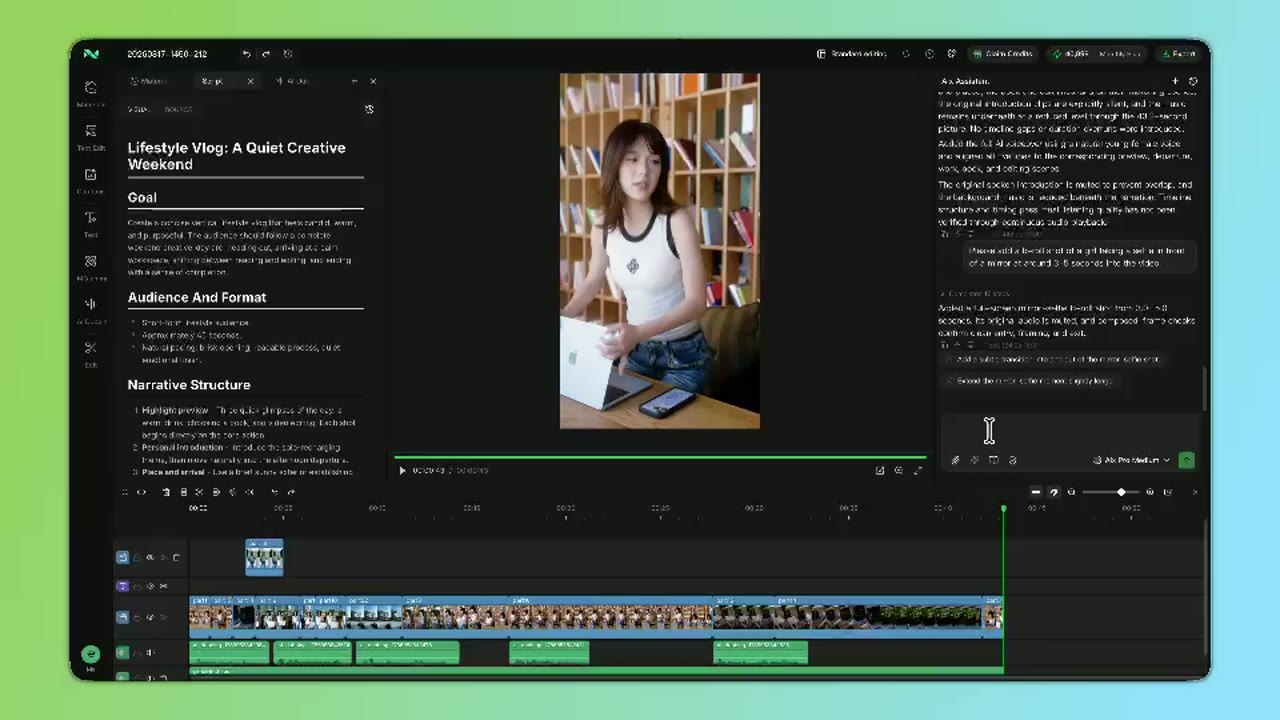
Let Claude Code and Codex directly read and edit your multitrack timeline. Generate images and videos inline with the latest models.
Requires Apple Silicon M1 or later and macOS 13 Ventura or later
The best way to edit with AI
Built to drive real multi-track editing work
From quick rough cuts to complex long-form projects, Aixcut lets AI do real work directly on the timeline—creating, moving, trimming, and restructuring video, audio, and graphics tracks while keeping every result visible, controllable, and editable.
Designed for local agent workflows
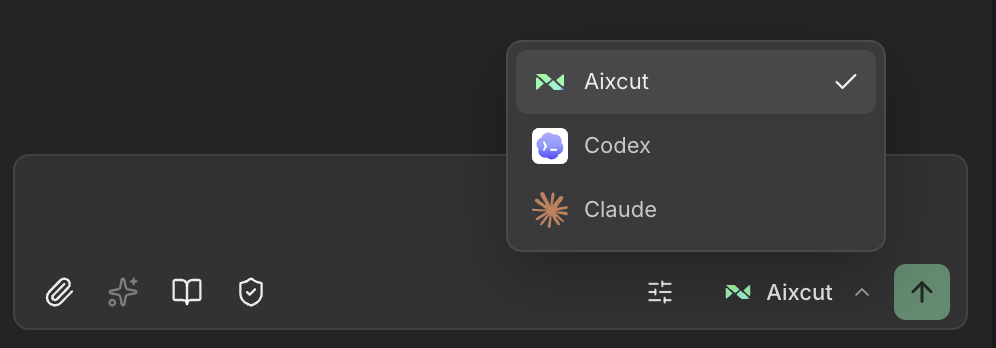
Aixcut is a local editing workspace for agents such as Codex and Claude. Agents can read projects, understand source material, and edit the timeline directly, while your media stays local and local editing remains free.
Fits into your professional finishing workflow
An AI-generated first cut does not have to end in Aixcut. Export an editable project and continue refining, grading, and delivering in Final Cut Pro, DaVinci Resolve, Premiere Pro, and other professional editors.
Aixcut project
Keep your edit moving
↓
Final Cut Pro
DaVinci Resolve
Premiere Pro
Adapts to the model each task needs
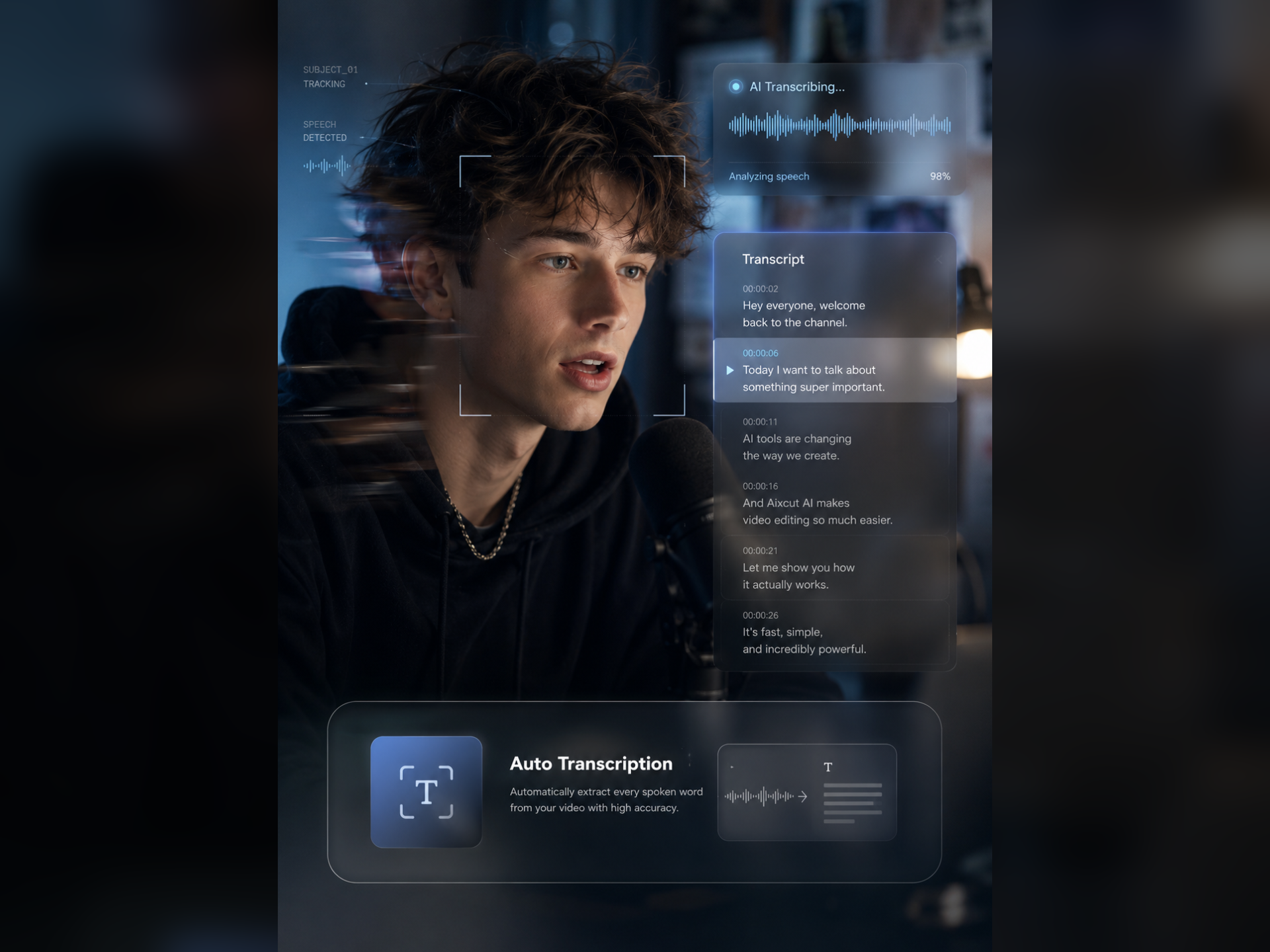
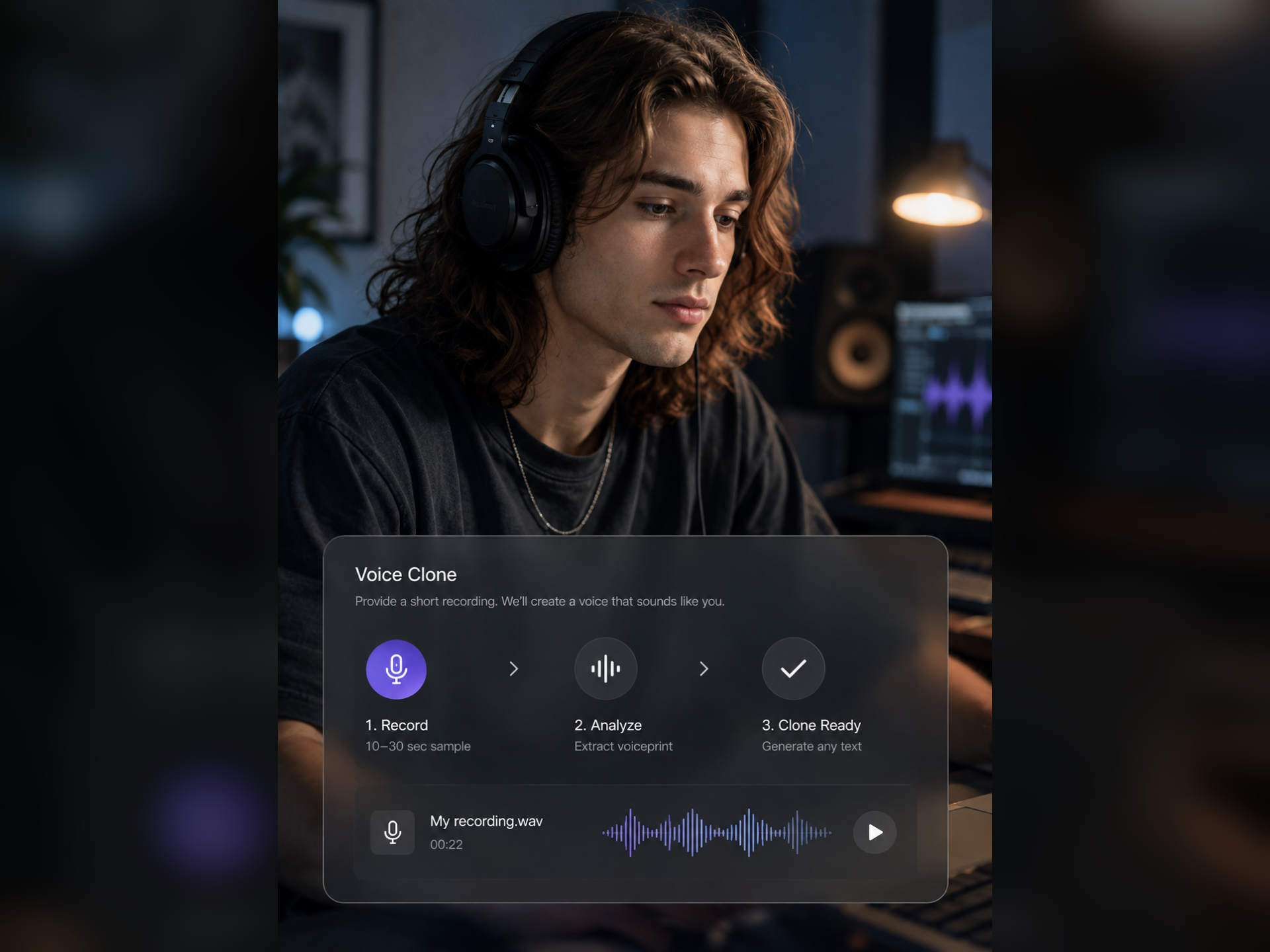
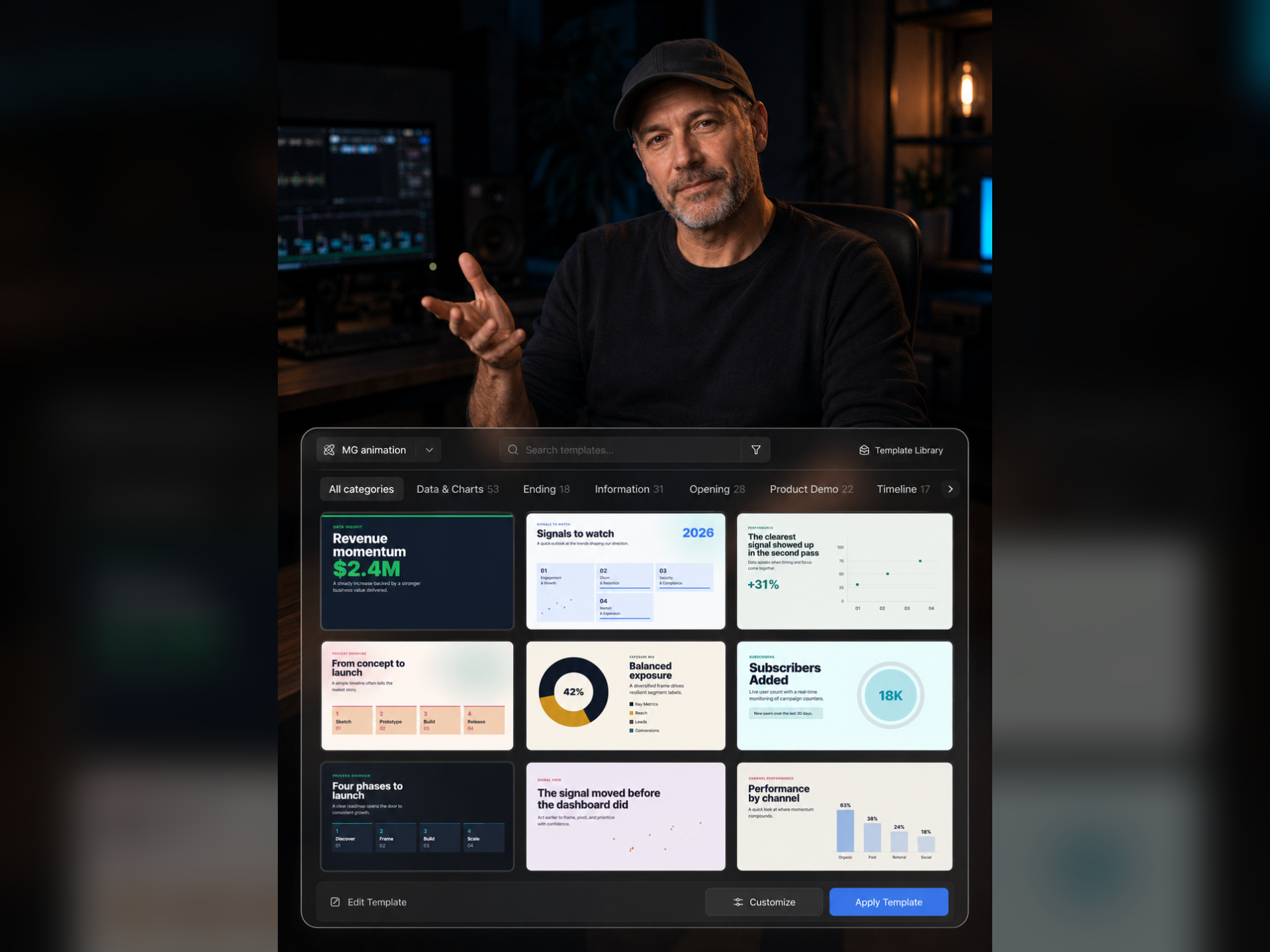
Different tasks need different strengths. Connect multiple models for source understanding, script analysis, visual generation, music, and motion graphics—while the project and timeline remain consistent throughout the workflow.
UnderstandGenerateVoice & musicMotion
Get Started with Aixcut Studio
Aixcut Studio Beta launches first on Apple silicon Mac. Once the release download is available, you can get the desktop client directly here.
Mac Meets Aixcut
macOS (Apple silicon)
Windows Meets Aixcut
Windows
FAQ
About Aixcut Studio
Aixcut Studio is an AI-native desktop video editor. It brings AI media generation and AI agents directly into the timeline to help you brainstorm, generate media, and edit videos while keeping every result adjustable.
Aixcut Studio exposes an MCP Server so MCP-compatible agents such as Claude Desktop, Cursor, and Codex can read your project and edit the timeline. Enable MCP in Settings, then connect from your agent.
Export finished videos as MP4 or MOV, or export DaVinci Resolve XML and Final Cut Pro XML files to continue in your preferred professional post-production workflow.
Credits power video generation, music generation, motion graphics generation, and Aixcut Chat. Connecting external agents such as Claude Desktop, Cursor, or Codex—and using MCP to read projects or edit the timeline—does not consume Aixcut credits.
The Beta requires Apple Silicon M1 or later and macOS 13 Ventura or later. The Windows version is in development and is not available to download yet.