
Motion graphics
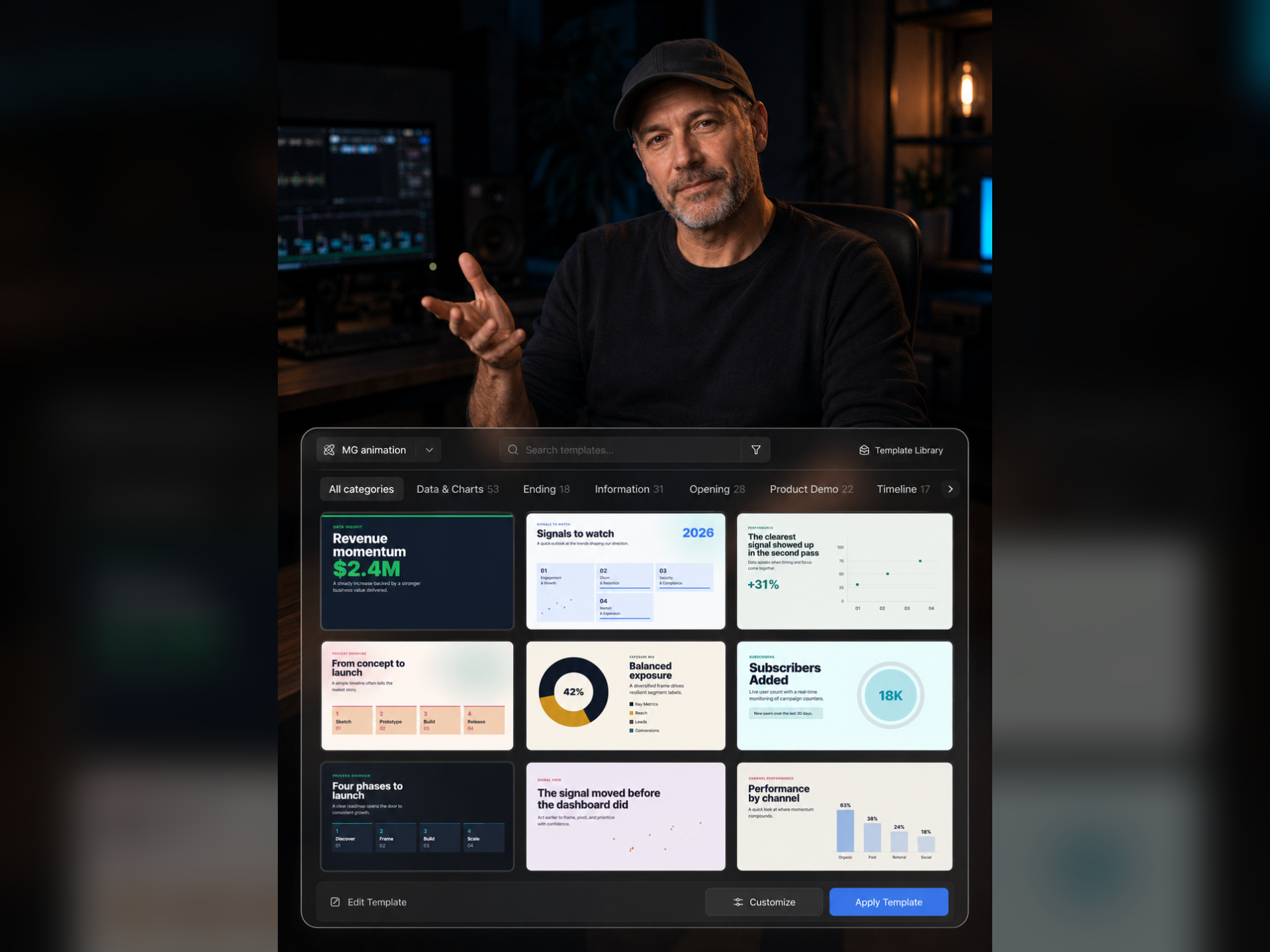
Use editable text and graphic animation to emphasize information, separate chapters or explain a process. Let motion support the content rather than compete with it.
Where this capability fits
Give chapter titles, key figures and procedural steps a clear visual treatment. Assign one main communication task to each animation.
Start from an available template, adjust wording and timing, and keep type, color and movement consistent within the video.
Review the full composition for overlap and reading time. Data graphics must reflect accurate information and preserve numerical meaning.
Start with a clear process
- 01
Mark the chapter or information that needs emphasis.
- 02
Choose an available animation and adjust copy, placement and timing.
- 03
Review hierarchy with captions and subjects, reducing unnecessary motion.
Describe what you need
Use this as a starting point. Adapt the assets, audience and goal, then review the result.
Add simple chapter cues at the beginning of the three steps. Keep color and placement consistent, allow reading time and leave the demonstration area clear.
Review before delivery
- Does the animation convey useful information?
- Does it overlap captions or the subject?
- Does entry or exit motion interfere with reading?
Questions, answered
Does every shot need animation?
Use motion where information changes, a chapter begins or a key point appears. Constant decoration can obscure what matters.
Which template elements can I change?
Review editable fields in the selected workspace template before changing text, visual settings or timing. Templates can expose different controls.
Explore related workflows

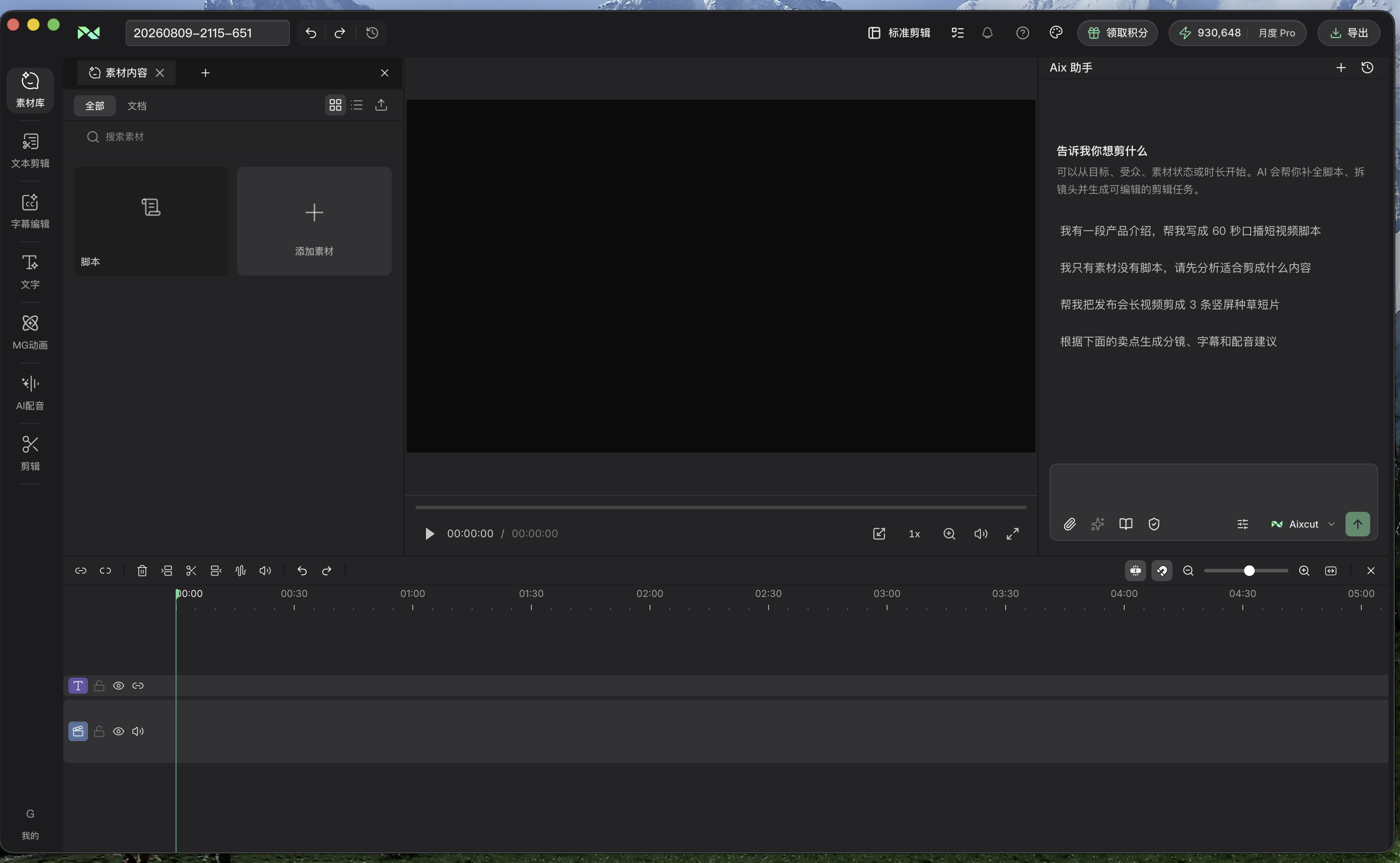

Bring your footage. Start with a clear goal.
Apply the workflow to your own content, review each step and refine the finished video.