
AI image generation
Prepare supporting visuals for a video. Describe the subject, composition and intended placement so generated images can fit the edit.
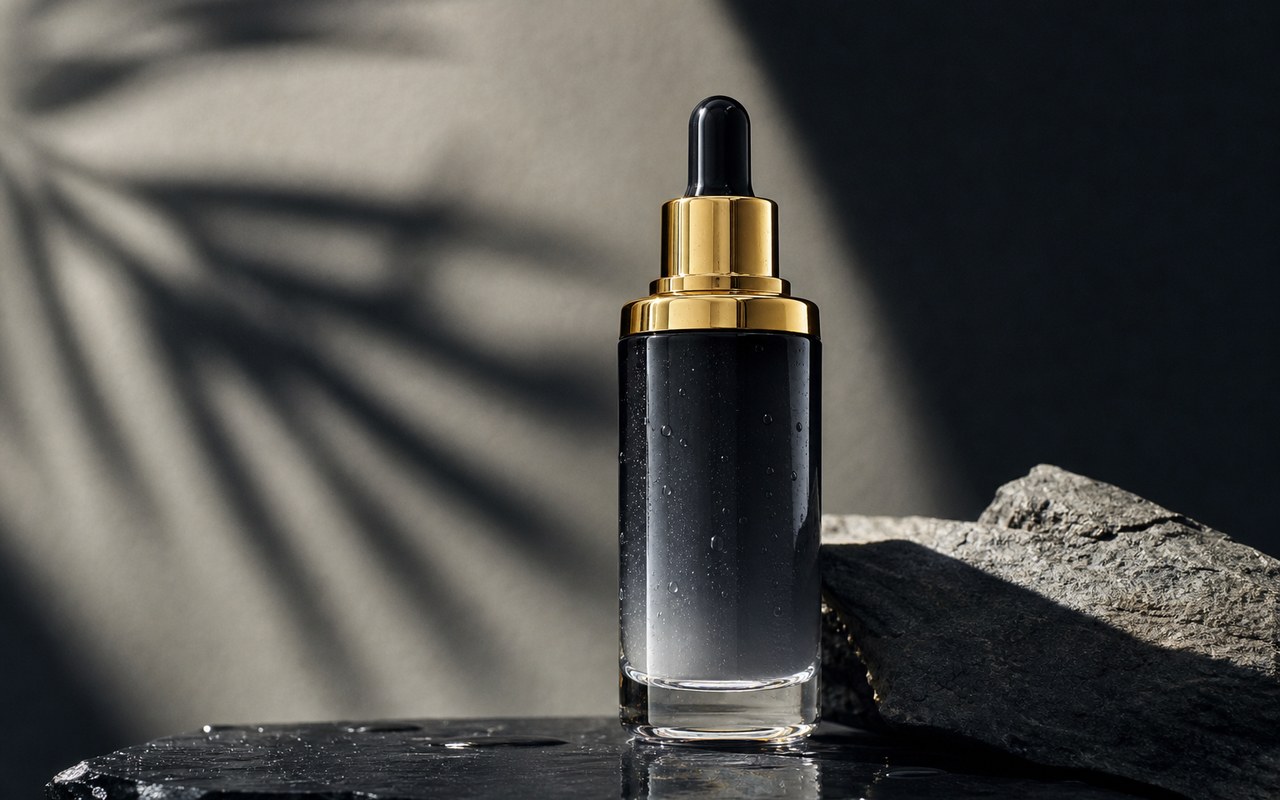
Where this capability fits
Define what the image needs to explain before choosing a style. Concept illustrations, environments and chapter transitions serve different purposes.
Plan for the final aspect ratio and caption space. Keep key subjects away from crop zones and use consistent descriptions across related images.
Inspect product shapes, lettering and details. Prefer original assets for precise product or person depictions and distinguish illustrative imagery from factual material.
Start with a clear process
- 01
Define the image purpose, composition and aspect ratio in the script.
- 02
Describe the subject, background, lighting and areas that should stay clear.
- 03
Review the image, then test its crop and duration on the timeline.
Describe what you need
Use this as a starting point. Adapt the assets, audience and goal, then review the result.
Create a supporting visual for an educational video showing a desk organization process. Keep the subject clear, leave caption space on the right and add no text labels.
Review before delivery
- Does the subject match the script?
- Does the crop preserve essential information?
- Are there incorrect labels or obvious visual defects?
Questions, answered
Should generated images replace product photography?
Use real product assets when appearance must be accurate. Generated images are better suited to supporting concepts or backgrounds, with a review for misleading details.
Why choose the aspect ratio first?
Aspect ratio affects composition and negative space. Planning for the final video reduces information lost through later crops or zooms.
Explore related workflows

Bring your footage. Start with a clear goal.
Apply the workflow to your own content, review each step and refine the finished video.