
How do you turn one landscape cut into vertical versions?
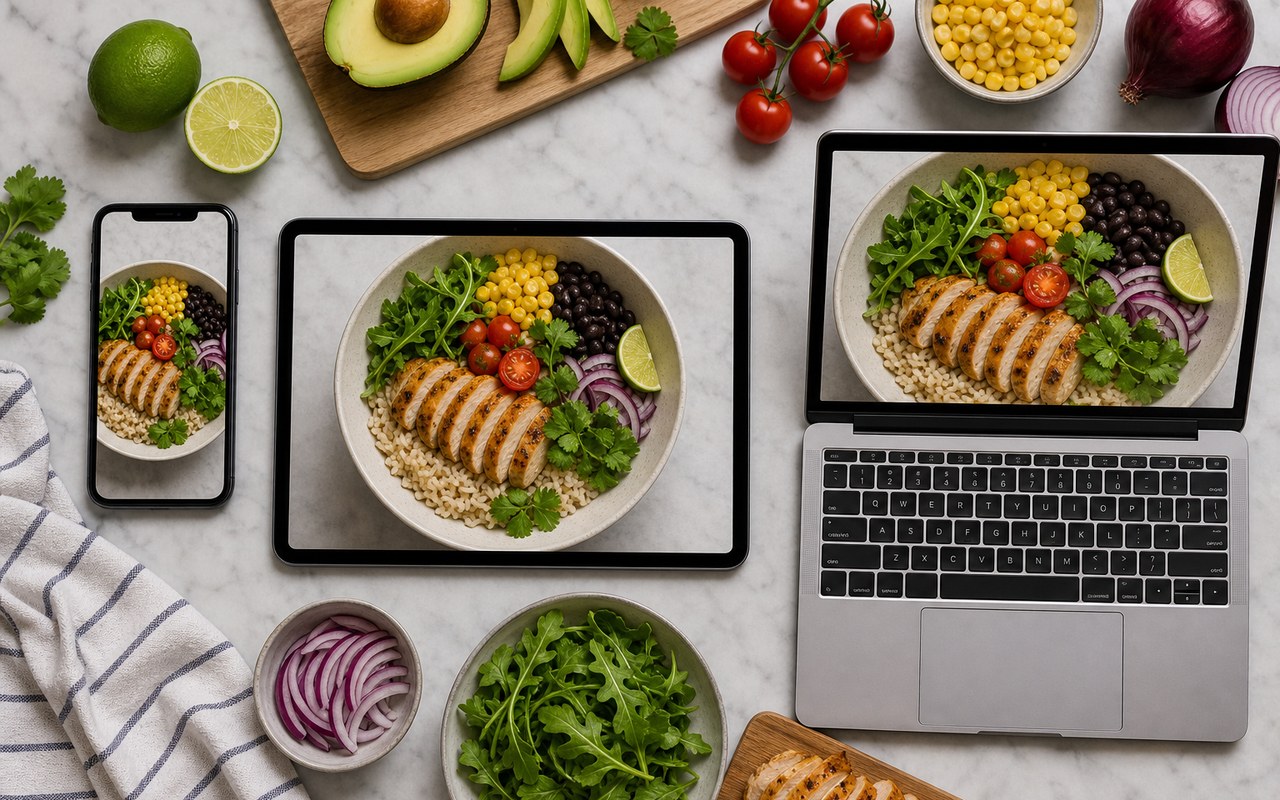
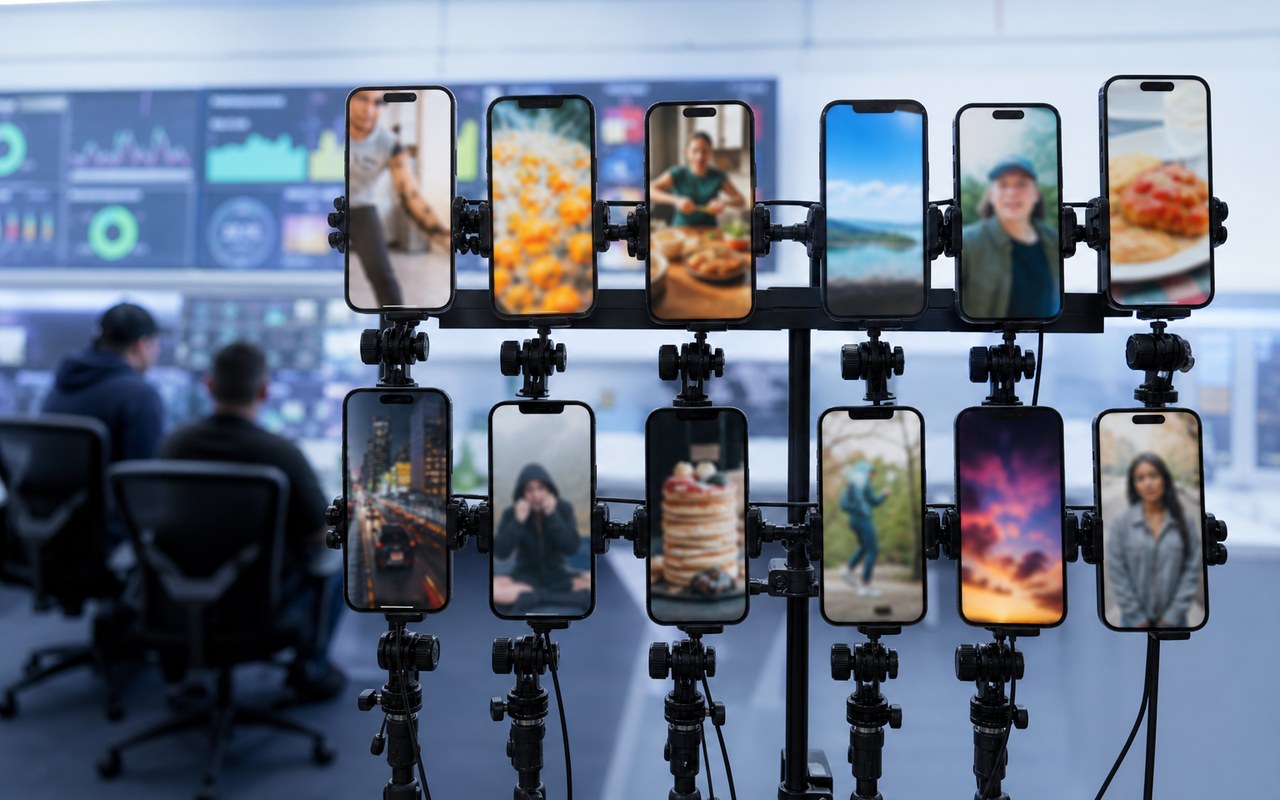
Scenario walkthrough: the master cut is done, but platforms need vertical framing and different lengths. Set subject position and caption areas, then review each version alone.
This is a scenario walkthrough, not a customer project record. Use the steps and review criteria to plan your own project.
The problem, inputs and goal
Inputs: one finished landscape master and each platform requirement for ratio and length. Fix the master as the source of truth and change only the delivery versions.
Challenge: vertical crops cut the captions and secondary visuals placed for the wide frame. Off-centre subjects need reframing and copied pacing makes openings drag.
Target: each vertical version should show a clear subject, complete captions and a first frame that states the point. Real results need real publishing data.
Work through the problem
- 01
List each platform target first: aspect ratio, length limit and information that must stay.
- 02
Reframe and crop per version, rebuild the caption safe area and redo the opening frame.
- 03
Tighten the opening, then play each version alone to confirm it works without the landscape cut.
Describe what you need
Use this as a starting point. Adapt the assets, audience and goal, then review the result.
Split this landscape master into vertical versions. Adjust subject position, caption safe area and opening length per platform, and list what each version removed and kept.
Expected deliverable and review
- Is any essential information lost to the crop?
- Do captions stay fully inside the safe area?
- Does the first frame state the subject on its own?
Questions, answered
Must every platform get its own edit?
When the goal is the same, most changes are framing, subject position and caption area. With a large length gap, revise structure too.
What if the master cut changes later?
Treat the master as the single source and record what each delivery version changed. After an update, recheck each entry so they do not contradict each other.
Explore related workflows
Bring your footage. Start with a clear goal.
Apply the workflow to your own content, review each step and refine the finished video.