
How do you make a video from product photos and notes?
Scenario walkthrough: you have real product photos and notes but no complete video footage. Use ordered explanations, narration and captions, identifying actions that still need filming.
This is a scenario walkthrough, not a customer project record. Use the steps and review criteria to plan your own project.
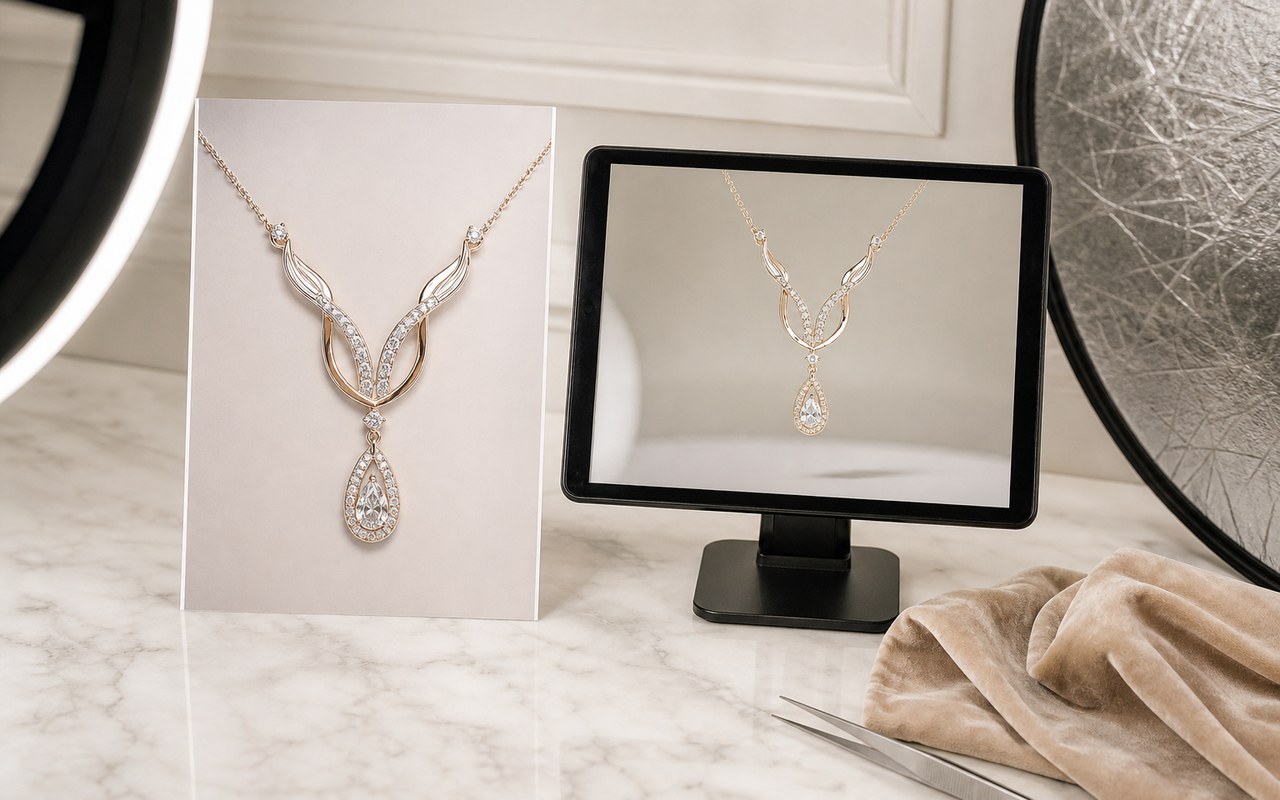
The problem, inputs and goal
Inputs include real photos, specifications and approved benefits. Photos show appearance but do not automatically prove performance.
The challenge is creating progression from static material. Choose a buyer question and determine the order and explanation for each image.
The target is understanding the product and context. Generated supporting visuals may illustrate concepts while real product appearance stays accurate.
Work through the problem
- 01
Check photos against facts and select visuals supporting the main point.
- 02
Write concise narration and sequence images as question, explanation and summary.
- 03
Add captions, check reading time and identify actions that require real footage.
Describe what you need
Use this as a starting point. Adapt the assets, audience and goal, then review the result.
Create an introduction from these real product photos, focusing on dimensions and use. Do not invent accessories or functions; list missing demonstrations as filming suggestions.
Expected deliverable and review
- Do appearance and specifications match?
- Is narration supported by approved facts?
- Are illustrations distinguishable from the real product?
Questions, answered
Will still images feel static?
Use meaningful changes, detail views and narration to move the explanation forward. Motion should follow the information.
When is more filming necessary?
Real demonstrations are often necessary to support actions, performance or results. Do not present generated imagery as product evidence.
Explore related workflows

Bring your footage. Start with a clear goal.
Apply the workflow to your own content, review each step and refine the finished video.