
Video content analysis
Understand what is said and what happens in your footage before deciding what to keep. Build a useful starting point for reviewing long recordings and planning an edit.
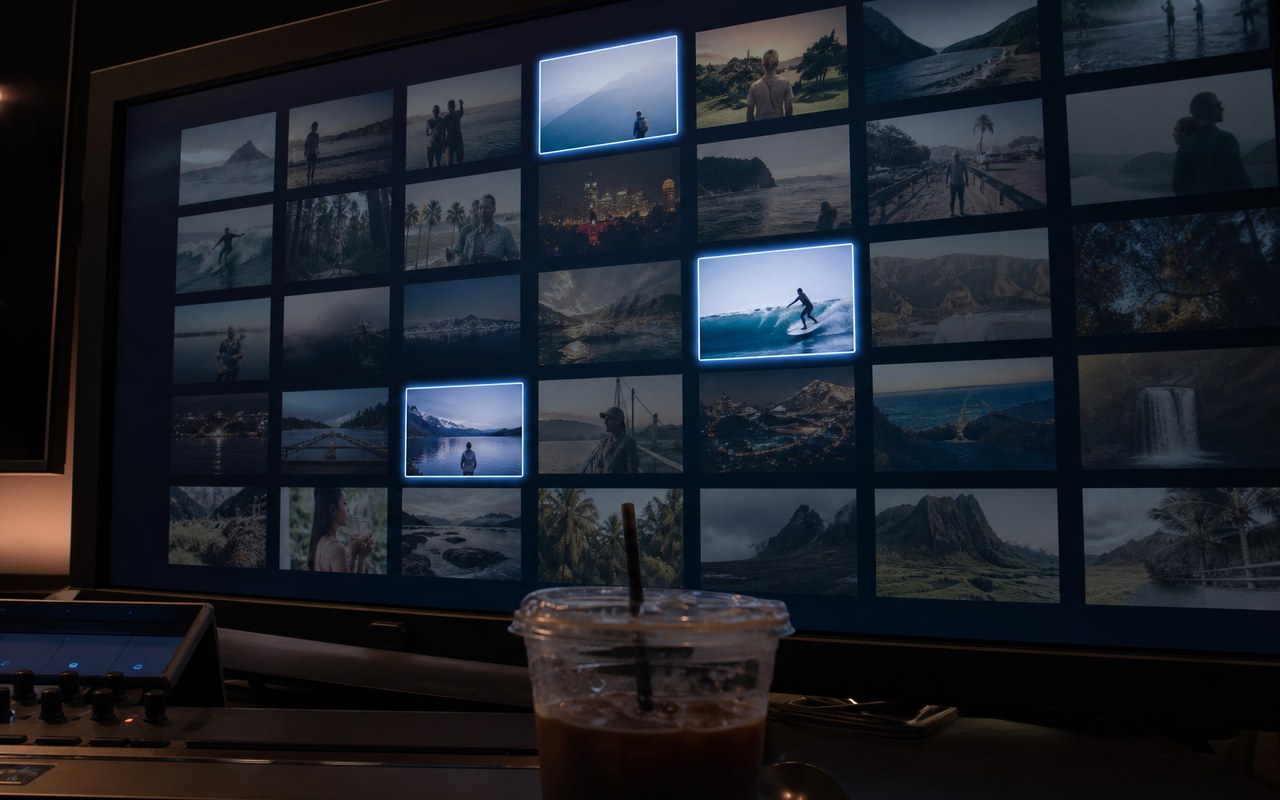
Where this capability fits
Review footage by subject rather than filename. Note important ideas, people and events to guide the edit.
Ask specific questions: where is a product explained, or where is a process demonstrated? Use the answers to focus your review.
Keep the original recording as the reference. Summaries cannot replace context; verify numbers, names and negation against the source.
Start with a clear process
- 01
Import the video and describe what you need to find.
- 02
Organize a summary and candidate segments by task.
- 03
Review the surrounding context before setting cut boundaries.
Describe what you need
Use this as a starting point. Adapt the assets, audience and goal, then review the result.
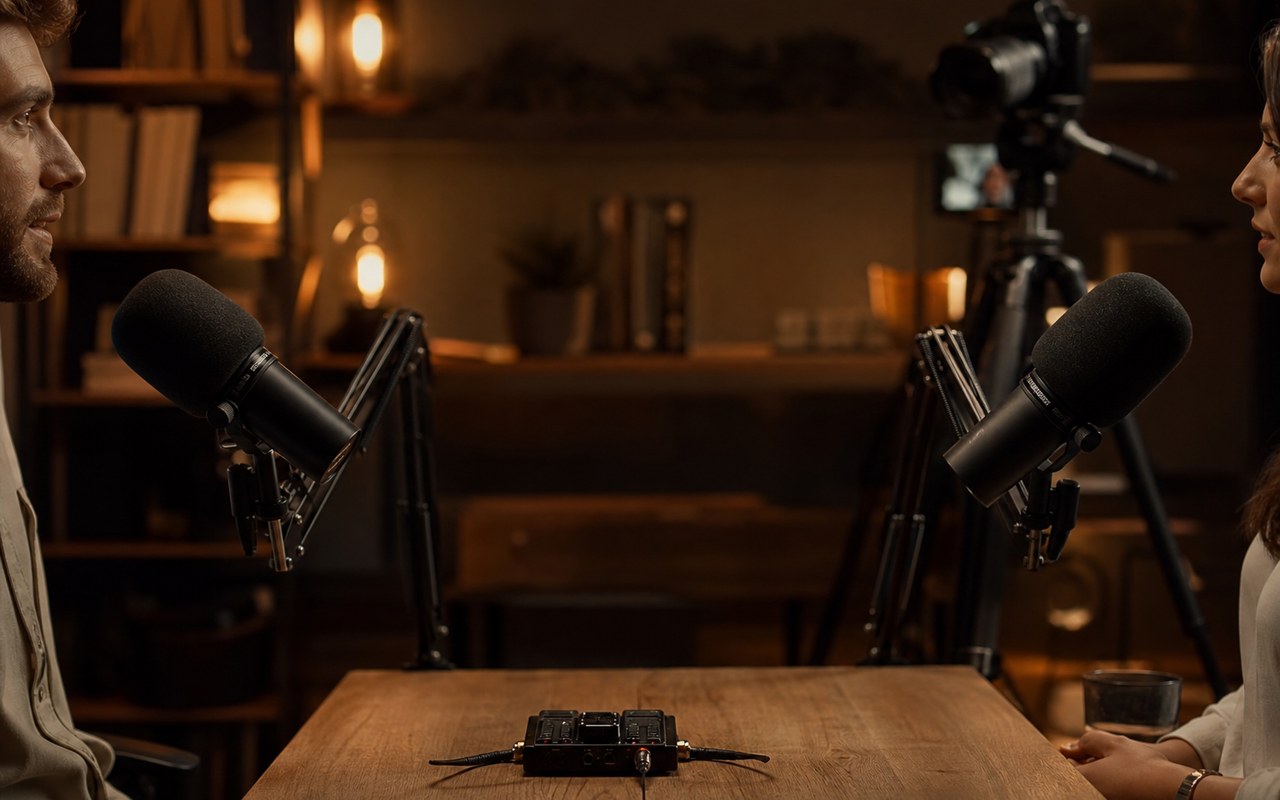
Review this interview and separate product opinions, personal experiences and standalone advice. Do not turn inferences into quotations; flag uncertain passages for review.
Review before delivery
- Does the summary preserve the original meaning?
- Is there source footage for each key conclusion?
- Were caveats or negation omitted?
Questions, answered
Can the analysis be used as captions?
A summary and a transcript serve different purposes. Captions need transcription, timing and proofreading; do not present a summary as spoken dialogue.
What if the visuals and narration disagree?
Check visual events and spoken information separately. Decide which supports the edit before replacing footage or adjusting the sequence.
Explore related workflows
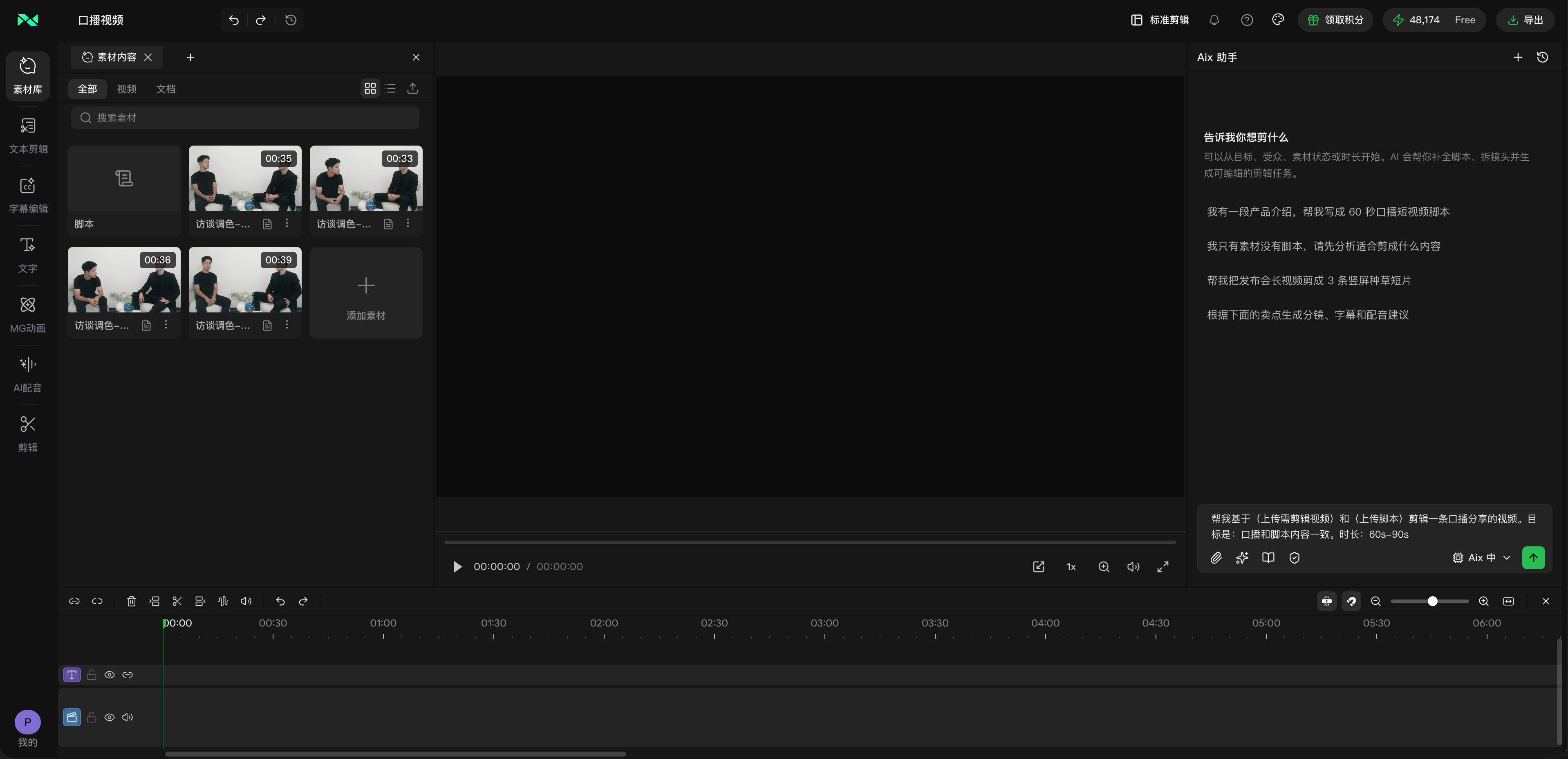
Bring your footage. Start with a clear goal.
Apply the workflow to your own content, review each step and refine the finished video.