








Skip to content

Your personal AI video editor

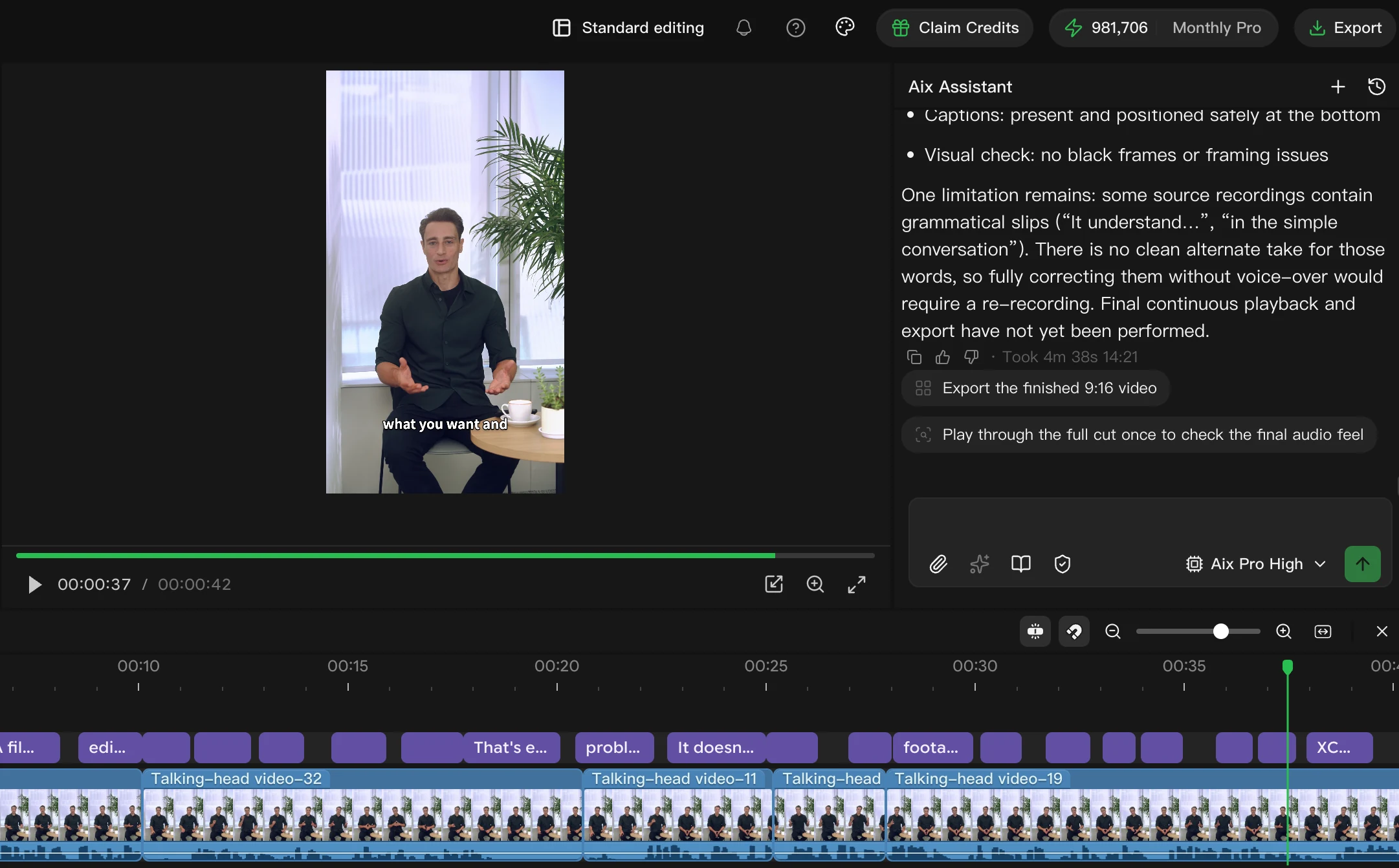
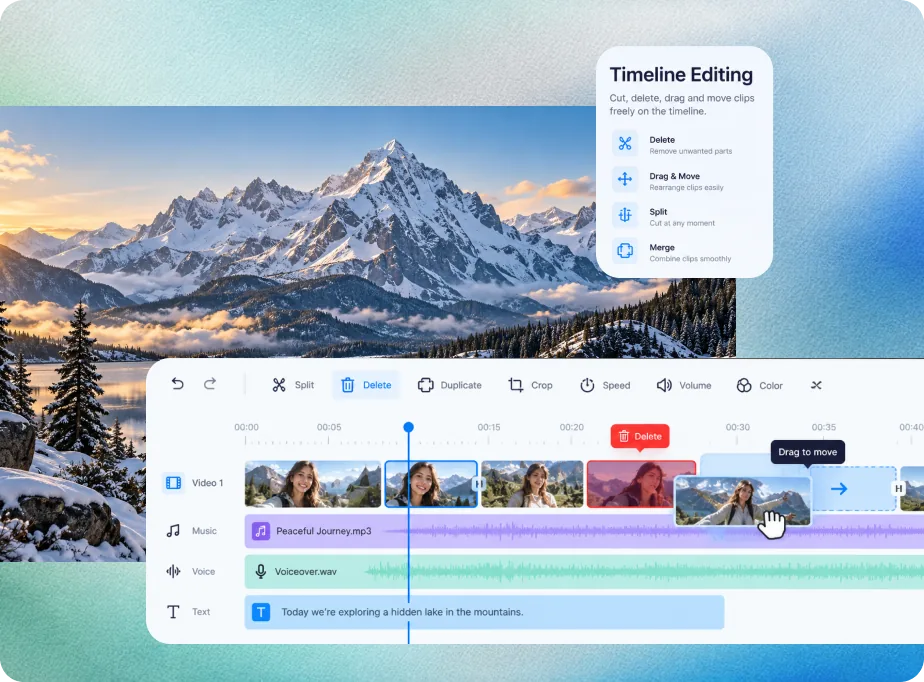
Tell Aixcut how you want it cut. AI reads your footage and works through the cut, captions, B-roll, voiceover, music and video generation on a multi-track timeline. You can keep adjusting the result by hand.

From footage to finished. In three steps.

Upload your footage. Describe your idea. Review your edit.
Refine any detail on the timeline, whenever you need.

  1. 1Bring your footage
  2. 2Describe your idea
  3. 3Make it yours

An idea. A conversation. An edit.

An editor that understands your script and your footage. Share your idea, build a first cut, then work through the details together.

Match the footage to my script. Keep the key story beats and create a naturally paced first cut.

Aixcut

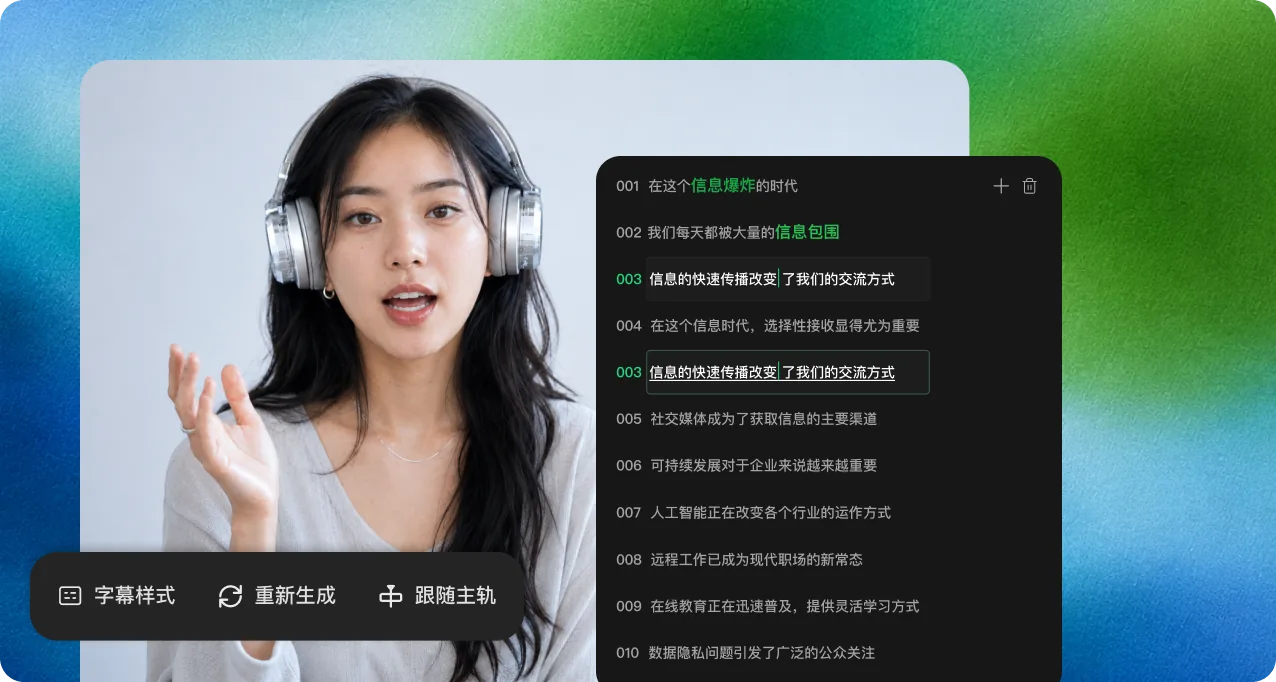
文字快剪

Aixcut 编辑就像编辑文档一样。您可以删除、移动、复制或粘贴文字稿,媒体和时间线会自动同步。

  • 从文字稿中删除单词或句子,媒体编辑自动完成。
  • 剪切、复制和粘贴文本,重新排列音频或视频。
Aixcut20260826–1731–550
标准剪辑
字幕文本

And eventually, a video that should have been published ends up sitting on a hard drive forever.

That’s exactly the problem Aixcut is designed to solve.

预览
预览已更新
时间线
字幕
Most people don’t have a content problem.They get stuck at the editing stage.Filming takes half an hour.Editing takes the entire evening.And eventually, a video that should have been published ends up sitting on a hard drive forever.That’s the biggest problem with traditional video editing:That’s exactly the problem Aixcut is designed to solve.You tell the AI what you want.Aixcut handles the timeline.
视频
Talking-head video-1Talking-head video-1bTalking-head video-32Talking-head video-11Talking-head video-18

已删除 00:12–00:18 的视频片段。

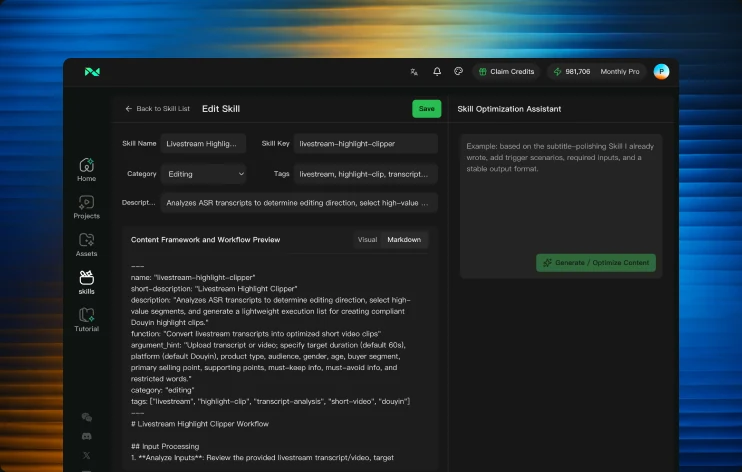
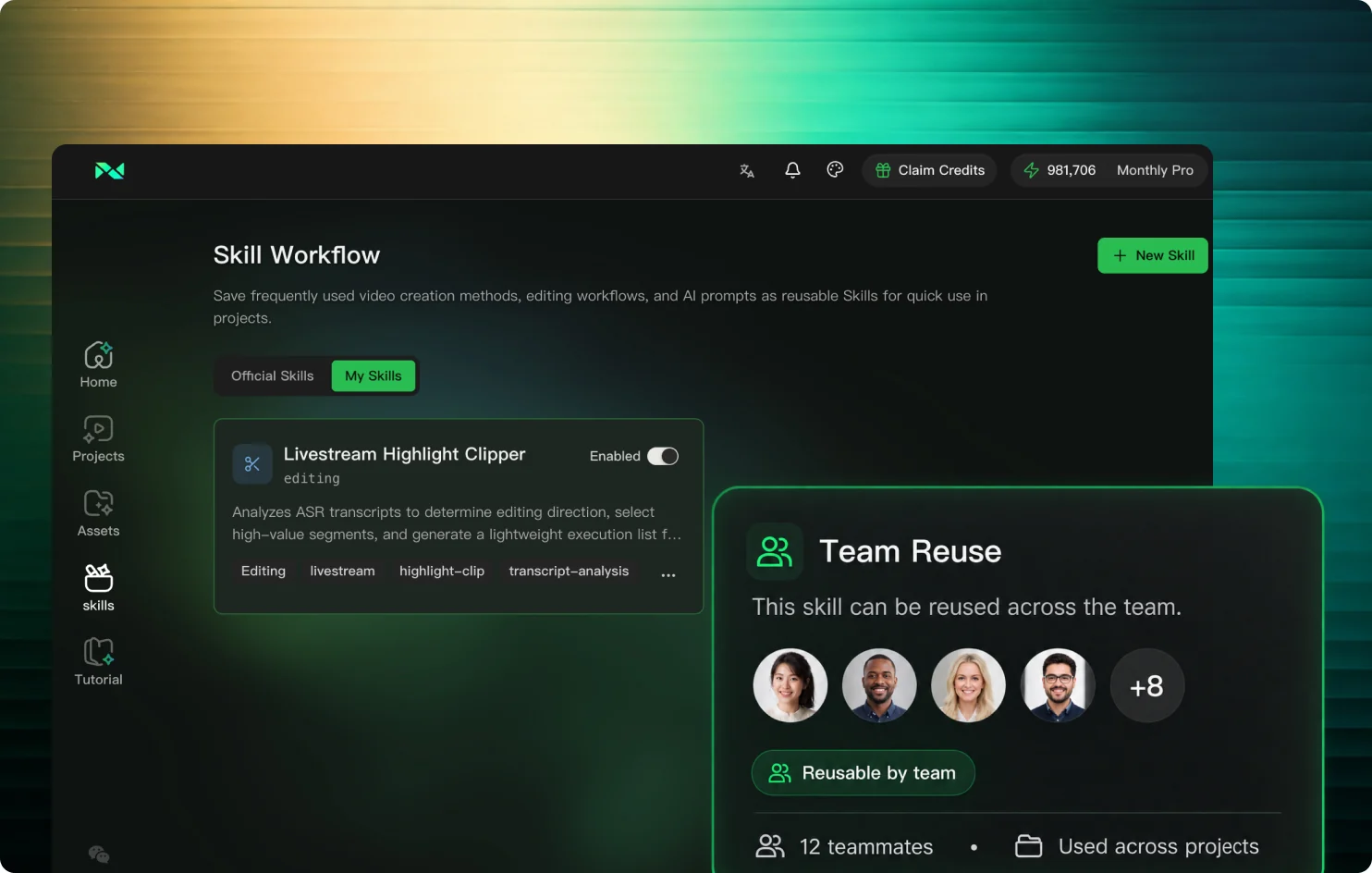
专业级skillhub

精准、符合品牌的视频本地化

AIX / SKILL WORKSPACE
Aixcut 编辑器与时间线
DIALOGUE TO SKILL / 01
Aixcut / Product details

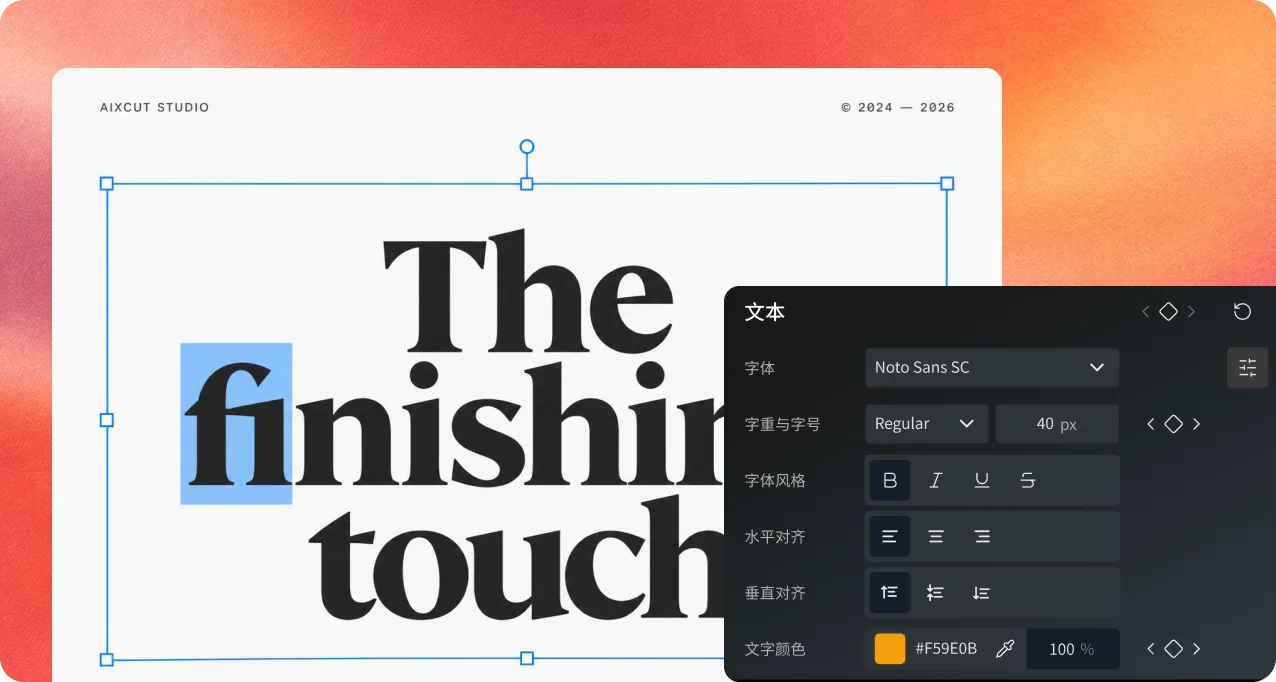
The details make the difference.

From words and captions to picture and sound, Aixcut keeps every finishing touch in one workspace.

How people describe Aixcut

Feedback from different kinds of creative work.

“Cutting a livestream used to mean dragging the timeline again and again. Now I describe the goal and get highlights I can keep editing.”
Livestream creator
“Text-based editing makes a talking-head video feel like editing a document. Delete a sentence and the timeline follows.”
Knowledge creator
“It understands how the script maps to the footage, so finding the important moments in a long video is much faster.”
Short-drama editor
“Once my usual editing logic is saved as a skill, I do not have to explain it again for every similar video.”
Vlog creator
“Captions, B-roll and music are handled first, so I can spend my time judging the story.”
Video director
“From selecting footage to the final cut, everything stays in one workspace, which makes handovers clearer.”
Independent creator

For whatever you create.

Find a workflow that fits your day.

Content creators

Turn everyday footage into a story worth sharing.

Brands & teams

Create content for different channels from one set of footage.

Livestream teams

Find the moments in a long livestream that deserve another audience.

A few things you might be wondering.

A little more about working with Aixcut.

Can I use Aixcut without editing experience?

Start by uploading footage and describing your goal, such as “keep the key points and make a one-minute video.” AI helps organize and edit the footage. Preview the result and refine it on the timeline.

Can I refine the edit myself?

Yes. Your edit stays on a multi-track timeline, where you can adjust clip order, captions, sound and visuals before exporting.

What can Aixcut help me create?

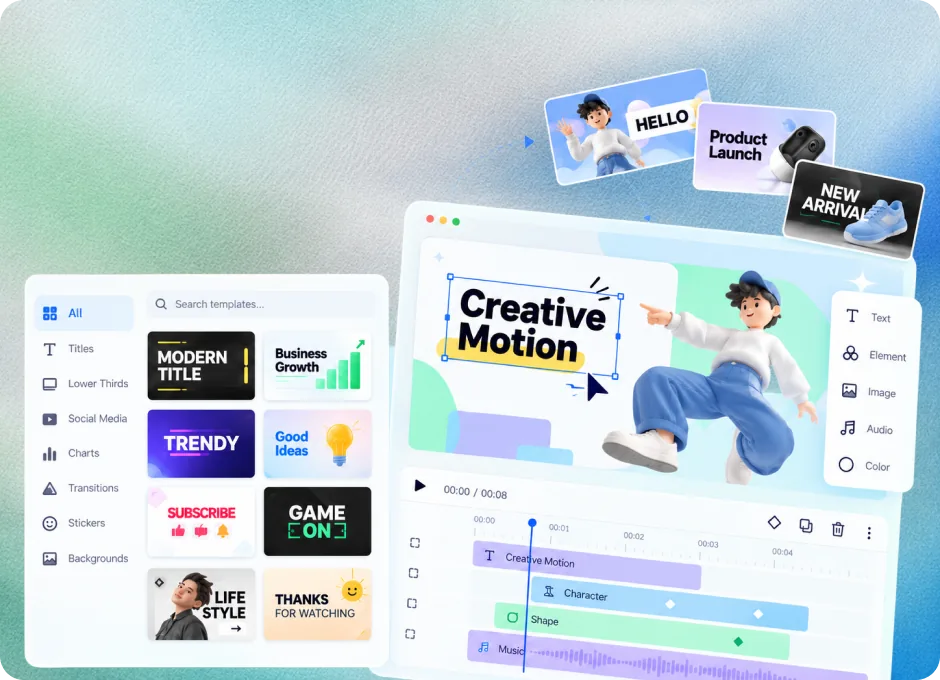
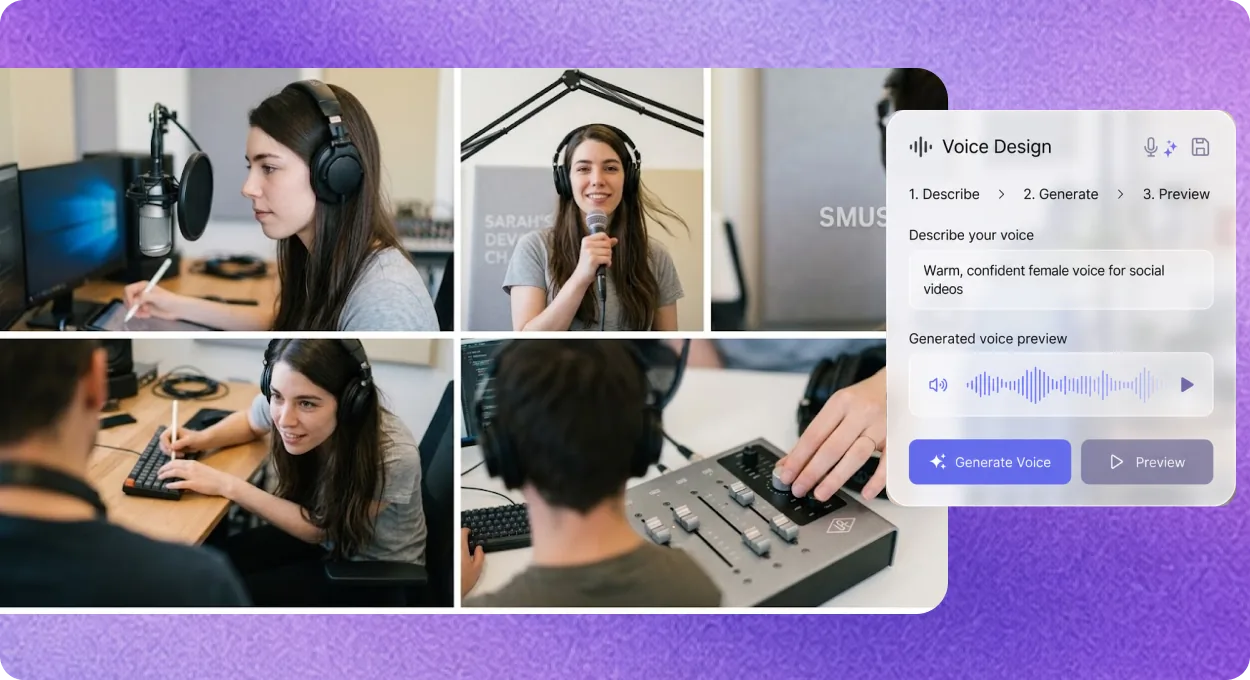
Work through scripts, footage analysis, editing, captions, B-roll, voiceover and music in one workspace. Available features depend on your workspace.

How do I choose a plan?

Compare subscriptions and credit packs on the pricing page based on your workload and usage. Refer to the pricing page and app for current prices and allowances.

Can I reuse an editing workflow?

Save frequently used production instructions as a skill, then reuse and adapt them for new projects.

MODEL INTEGRATIONS

Integrated with leading models

Kling AIKuaishouSeedance 2.0ByteDanceVeo 3.1GoogleGrok ImaginexAIRunway Gen-4Runway

Your next video starts with an idea.

Start creating