
Automatic video captions
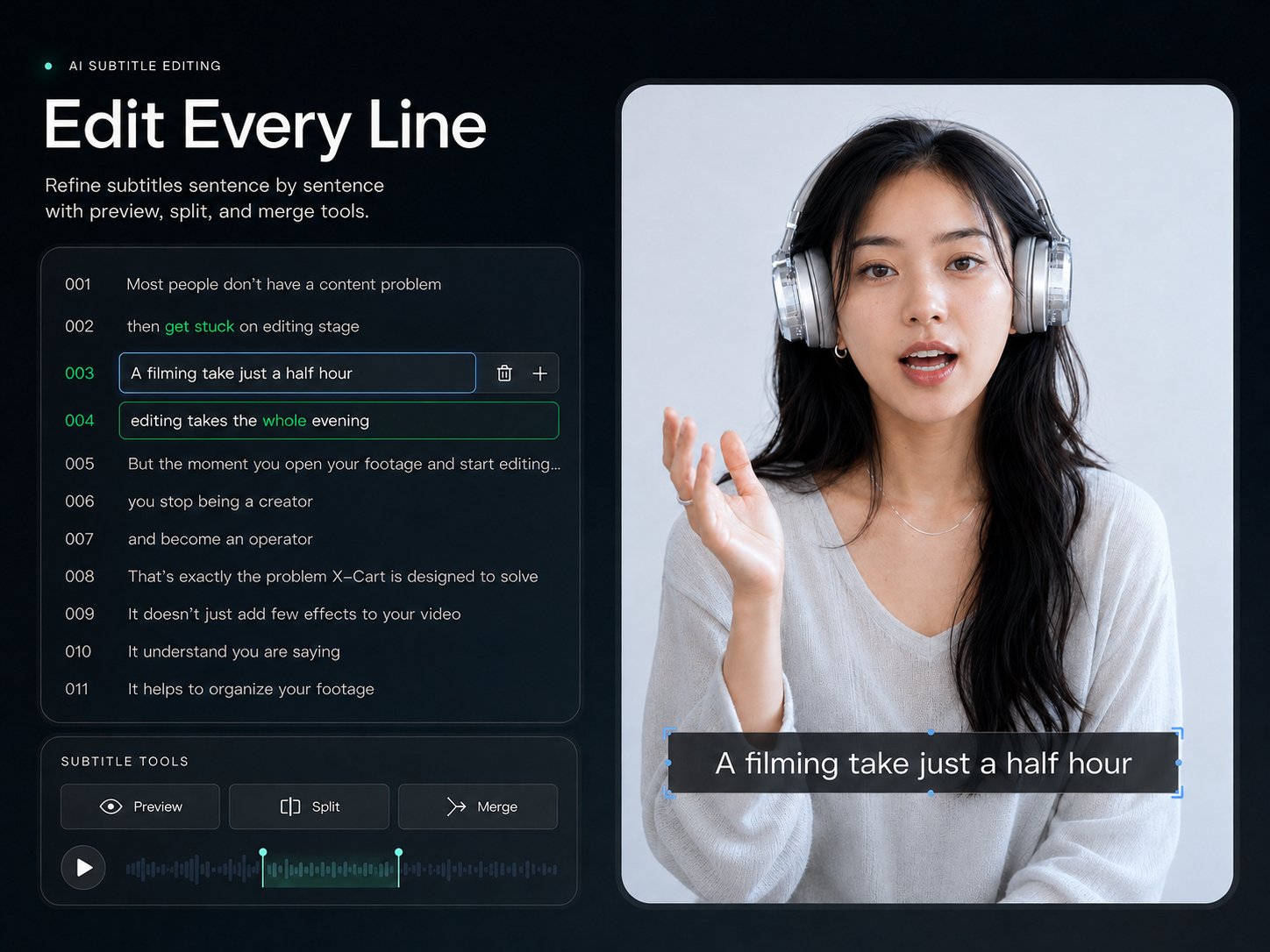
Build captions from speech, then proofread, segment and style each line. Help viewers follow the video in different viewing environments.
Where this capability fits
Check captions against speech, especially names, numbers and terminology. Recognition is a starting point; the creator confirms the final wording.
Split or merge captions by meaning and review duration. Avoid overloaded screens or key lines that disappear too quickly.
Adjust type and placement for the aspect ratio, accounting for faces, product details and areas occupied by platform interfaces.
Start with a clear process
- 01
Generate captions from the edited sequence and proofread them first.
- 02
Refine segmentation, placement and timing line by line.
- 03
Review readability at a size close to the intended viewing experience.
Describe what you need
Use this as a starting point. Adapt the assets, audience and goal, then review the result.
Add captions to this talking-head video, breaking lines by meaning. Keep faces and products visible. Check brand names and numbers before applying a consistent style.
Review before delivery
- Is the wording accurate?
- Does the timing follow speech?
- Are captions readable on a phone without hiding key visuals?
Questions, answered
Should I review captions after editing?
Yes. After removing or moving clips, review caption order, timing and segmentation, especially sentences spanning a cut.
Can I adjust caption styling?
Choose and adjust available styles within the caption workflow. Set aspect ratio and placement before refining typography to reduce rework.
Explore related workflows
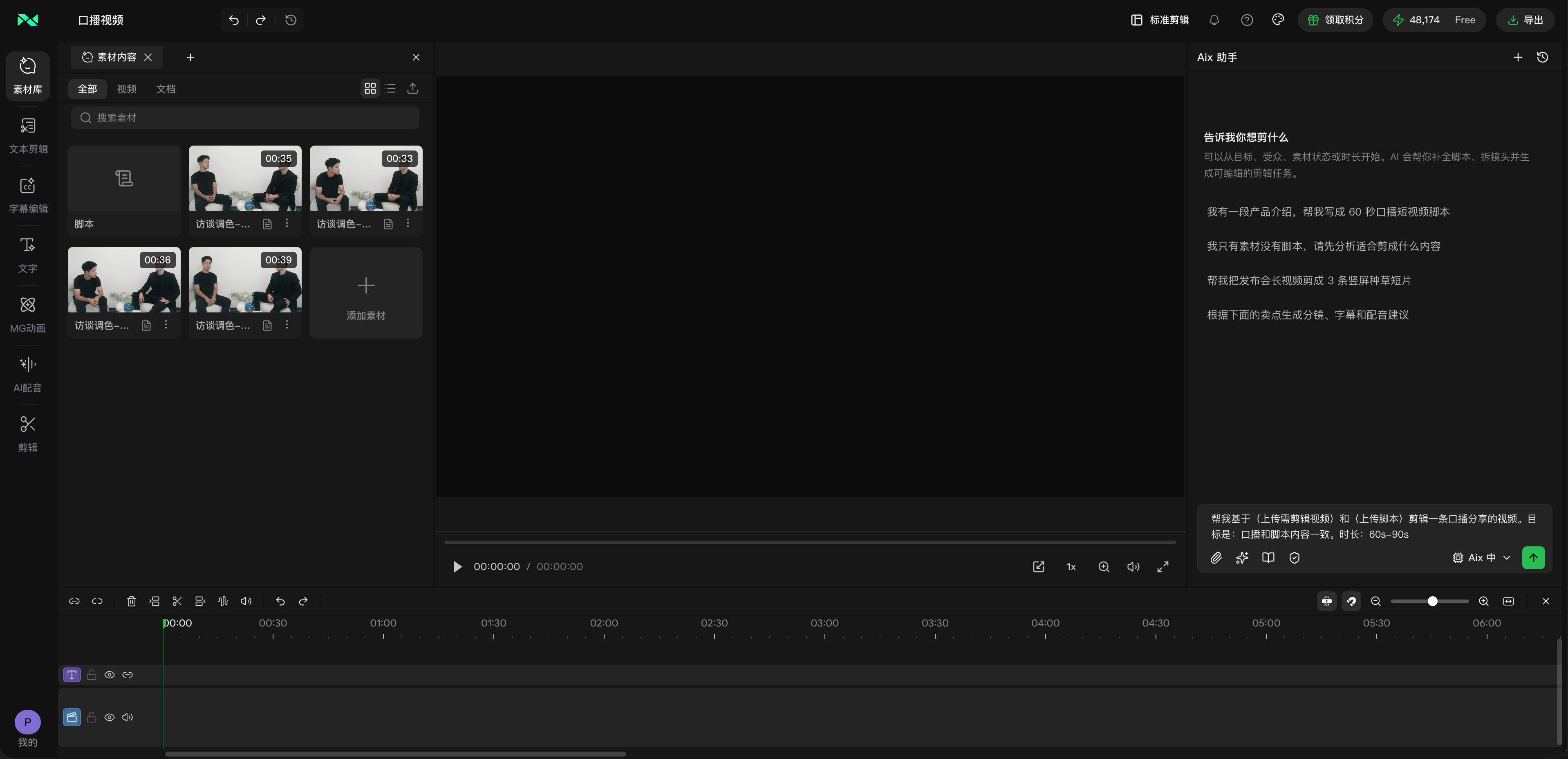
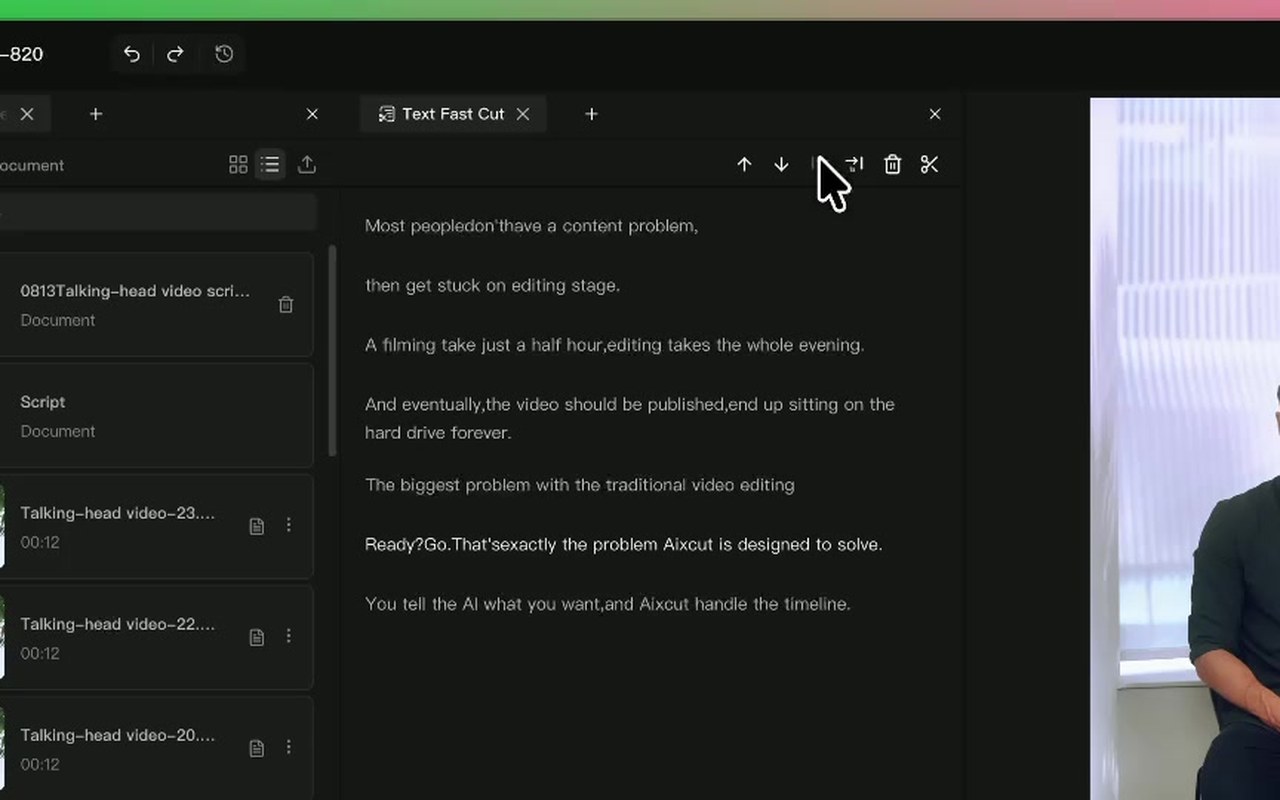
Bring your footage. Start with a clear goal.
Apply the workflow to your own content, review each step and refine the finished video.